AI in Packaging Design: What It Actually Does
Learn how AI in packaging design speeds ideation, dielines, and 3D previews — and why humans still own proofs and print-ready artwork.
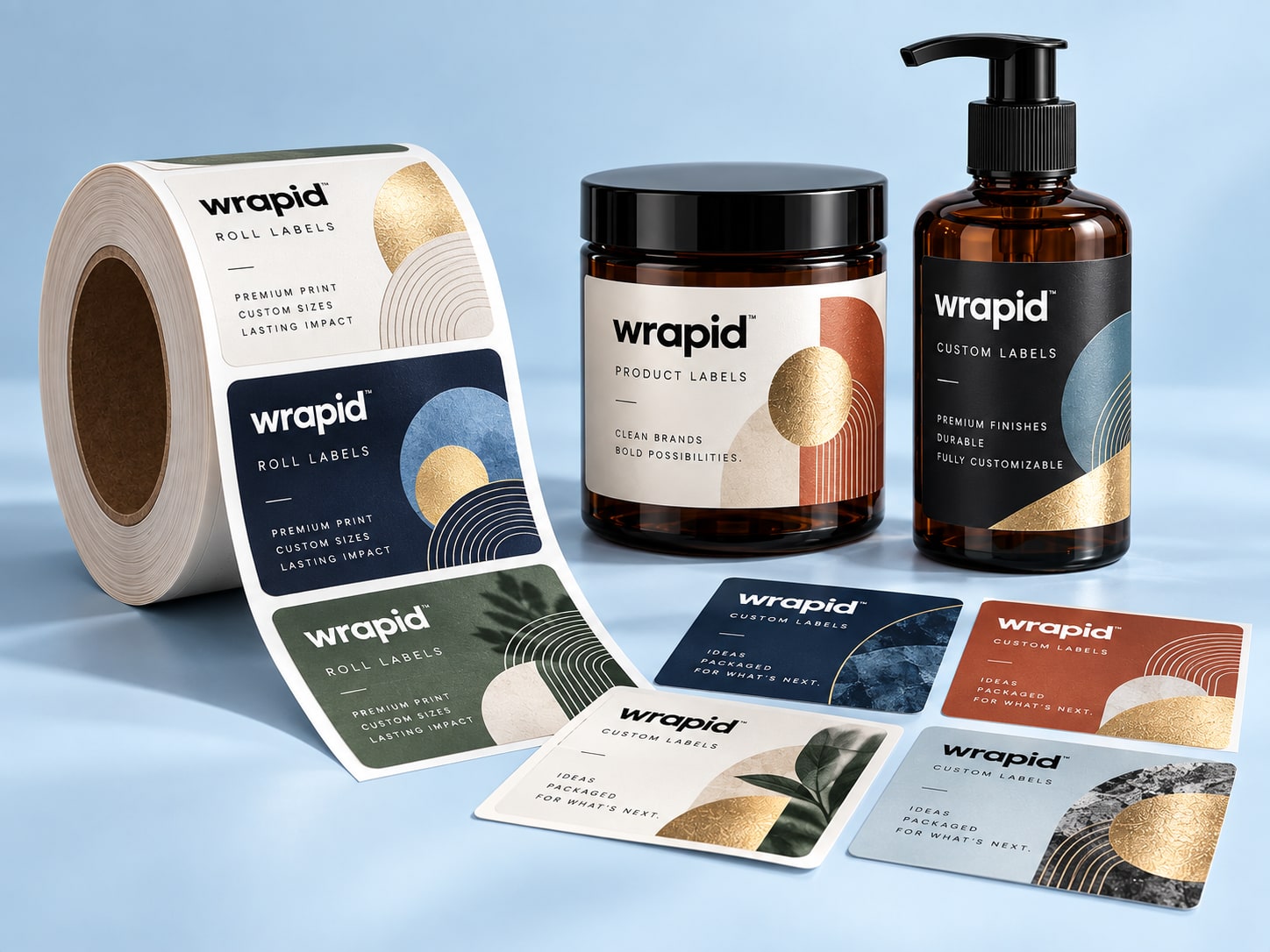
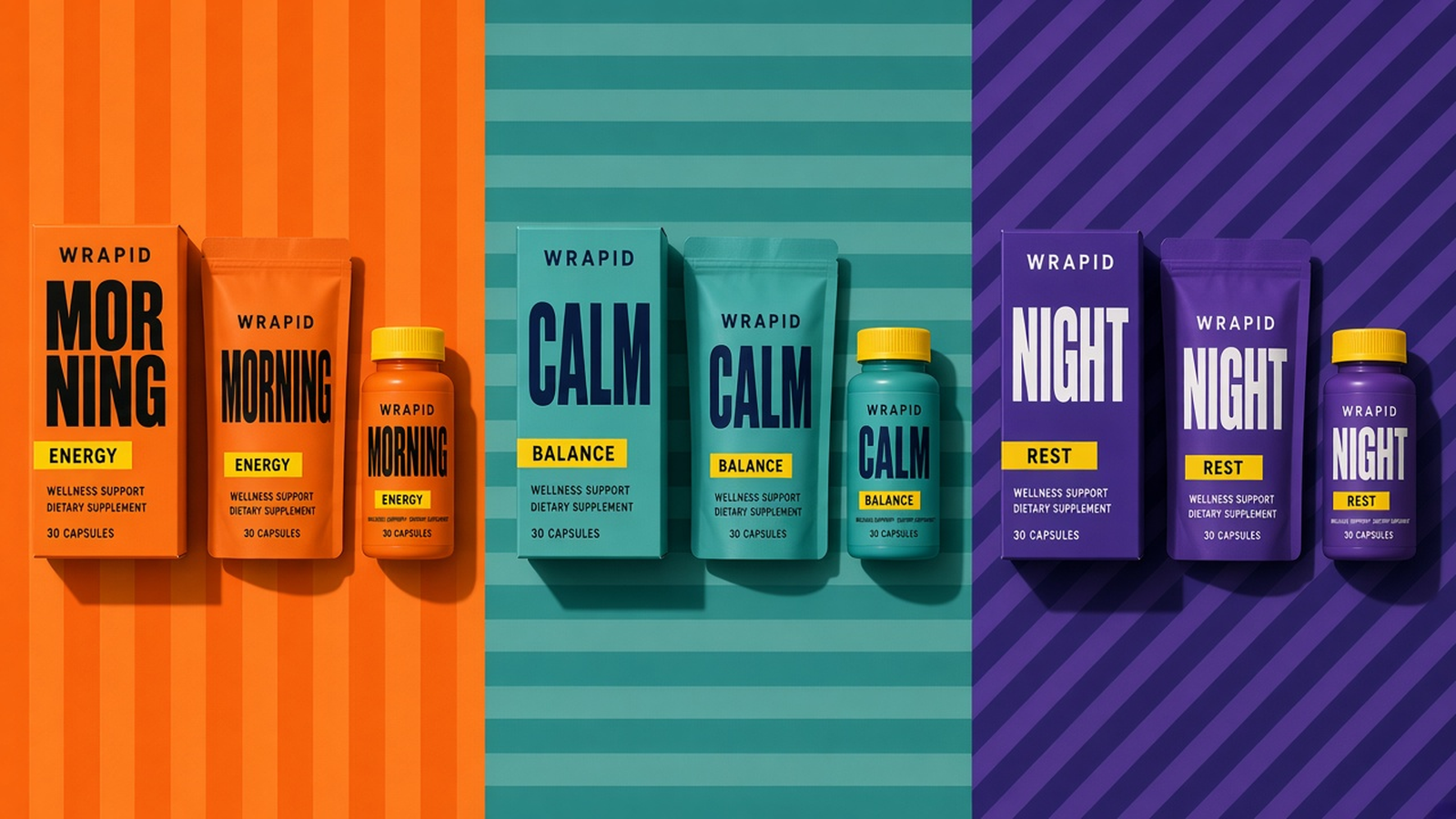
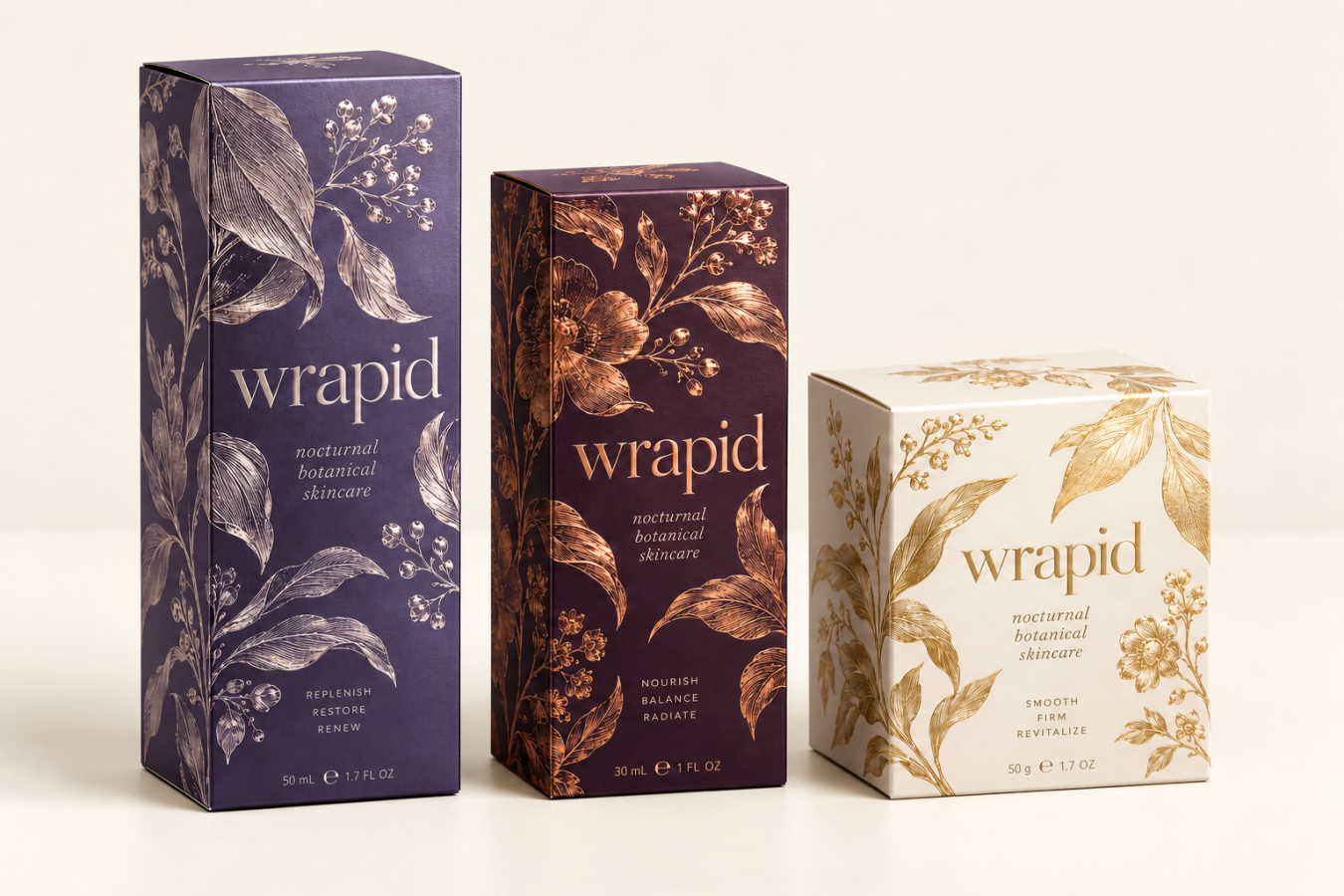
AI in packaging design helps teams explore artwork and structures faster. It can suggest layouts, adapt graphics to a dieline, and support a 3D packaging preview. It does not replace substrate choice, finish specs, or the human packaging proof before press.
Where AI helps in the packaging workflow
- Ideation — quick directions from a rough brief, sketch, or logo when you don’t have a full design team yet.
- Fit to structure — placing art on panels so logos and claims sit in safe areas on cartons, labels, or bags.
- Visualization — seeing the pack in 3D before you spend on final production files.
- Prepress checks (emerging) — flagging low contrast, missing bleed, or crowded panels earlier in the custom packaging design process.
What AI does not decide for you
- Substrate & barrier needs — product protection and retail rules
- Finishes & embellishments — cost, brand feel, run length
- Regulatory copy — claims, allergens, barcodes
- Print-ready artwork — CMYK, bleed, supplier specs
- Final proof approval — nothing should print without it
If AI-generated art isn’t press-ready, expect a quoted art rebuild — not a surprise on press day.
A simple learning path for brand teams
- Start with structure (dieline or known pack type).
- Use AI to explore looks, not to “finish” the job.
- Review on a 3D packaging preview.
- Lock size, material, quantity, and finishes.
- Request a specialist-reviewed custom quote.
- Approve production proof, then print.
Bottom line
Treat AI packaging as a speed layer on education and exploration: faster drafts, clearer conversations, fewer wasted rounds. Keep manufacturing judgment — materials, finishes, proofs — with specialists. That’s how AI shortens the path from idea to a real custom packaging run without skipping the steps that protect quality.